
How do I apply rewards points at checkout?Updated 9 hours ago
To use your rewards points on a purchase, follow these simple steps:
1. Log into Your Account
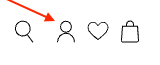
Click the person icon at the top right-hand corner of the homepage and sign in using the email address and password associated with your account. You must be logged in to view and apply your available rewards.
2. Add Items to Your Cart
Once you’re logged in, browse the site and add items to your cart as usual.
3. Apply Your Rewards Points
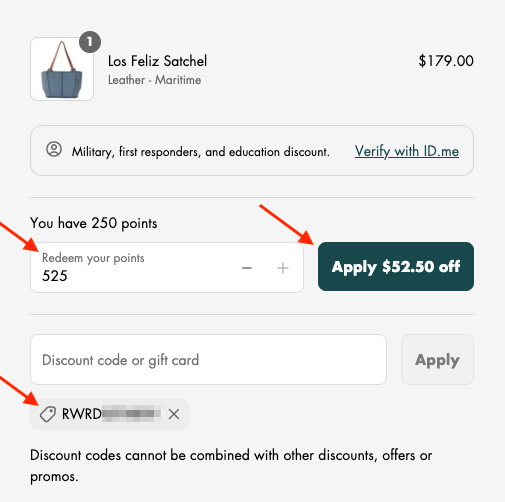
When you go to checkout, you’ll see your available rewards points listed.
•Use the – and + buttons to apply a custom amount of your available points.
•To use the full amount available, click the green “Apply $XX.XX Off” button.
•Your discount will be reflected in your order total immediately and you will see a code that starts with RWRD applied to the order.
4. Important Notes
•Rewards points must be applied before completing your order. Unfortunately, we cannot apply points retroactively once the order has been placed.
•If you’re using an accelerated checkout option like Shop Pay, PayPal, or Amazon Pay, please be sure to apply your rewards in the cart page before clicking on one of those options. This ensures your points are deducted correctly. For more information, click here.
Need help? Feel free to contact us before finalizing your order—we’re happy to assist!